VPN Explained: Benefits for Employees and Workplace Security
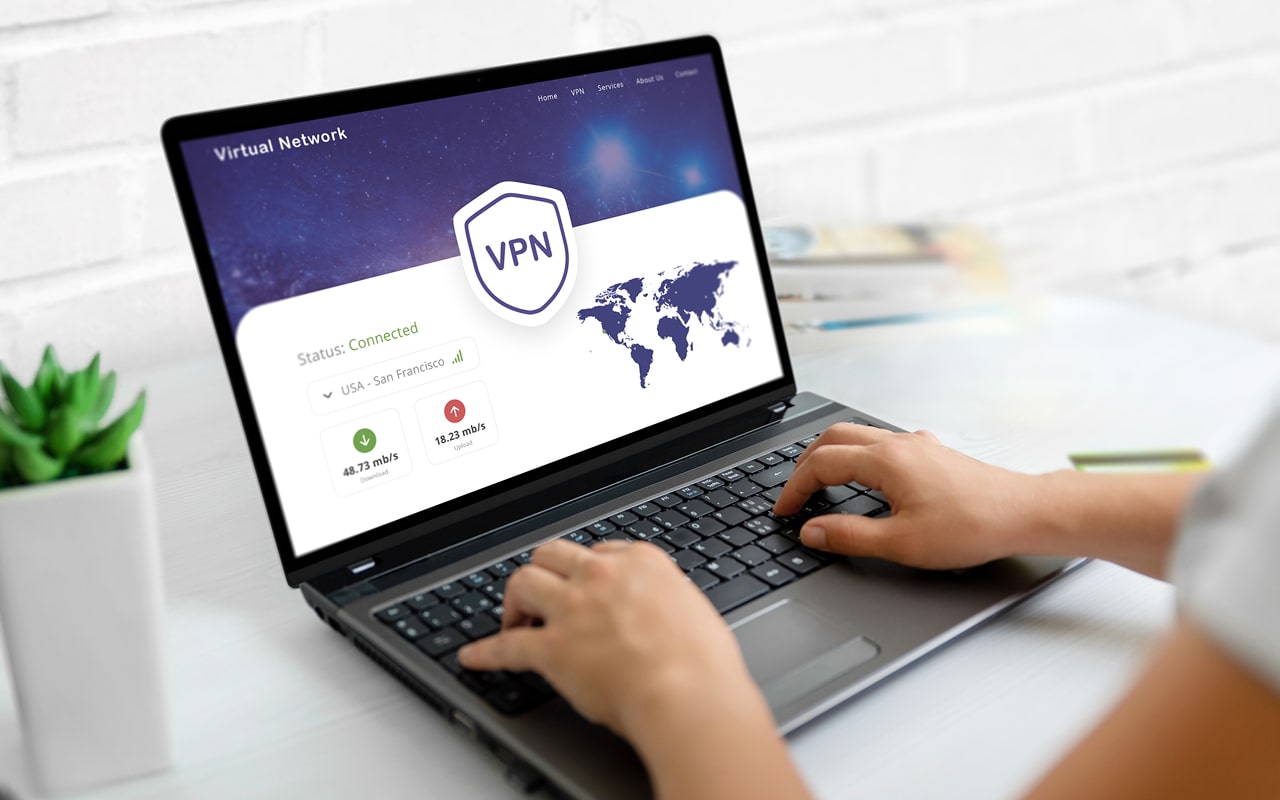
Table of Contents
During the COVID-19 pandemic, many people were forced to work from home. This created a situation where companies had to meet data protection requirements while allowing the sharing of data and secure remote access over unsecured home networks. To help protect remote working, the use of business VPNs (Virtual Private Networks) soared. Today, 28% of VPN use is in a business context.
What is a VPN (Virtual Private Network)
A Virtual Private Network (VPN) is a software or hardware appliance that is used to establish a secure connection across a public network. For example, remote users or those in branch offices are routed through an "encrypted tunnel" to connect securely to the corporate network.
A VPN acts like a secure intermediary between the employee's device and the network. To establish the secure tunnel, an employee uses login credentials to authenticate to the VPN. Then, when the employee attempts to access corporate network resources or internet-based websites and apps, the VPN establishes a secure connection, encrypting the traffic between the device and the network. This helps to prevent various cyberattacks that rely on intercepting data, including Man-in-the-Middle (MitM) attacks and session hijacking.
Some VPNs also prevent pop-up ads that may be malware-infected and prevent access to malicious websites. VPNs are best known for maintaining privacy, as they help to prevent tracking.
A VPN typically uses the IPsec or SSL/TLS standard encryption protocols.
VPNs are available for consumers and businesses. Consumers may choose a free VPN, but these are often too restricted in terms of functionality for business use.
Different Types of Business VPN
Business VPNs, like Nord Layer, are focused on corporate use cases, such as remote workers and branch employees:
Remote Access VPN
Remote workers use a remote access VPN to connect securely to the corporate network. This type of VPN comprises a Network Access Server (NAS) that connects to the business's internal network and a VPN client, which is software installed on an employee's computer or mobile device.
Site-to-Site VPN
A site-to-site VPN creates a secure tunnel to connect multiple office locations and multiple individual users. The VPN client is installed at each branch office's local network, as opposed to employees' devices. Staff based in branch offices can then use secure access to the shared network.
Benefits of a Business VPN
By establishing a secure network connection, employees and the business they work for gain essential benefits:
Online Security
Both remote access and site-to-site VPNs establish an encrypted tunnel that employees use to connect to a corporate network and websites. Connection is typically authenticated using multi-factor authentication (MFA). Remote workers and brand office staff can secure access from anywhere. In this way, a business VPN extends the corporate perimeter, using encryption to protect data as it is accessed and transferred as employees work on tasks.
A VPN is essential for remote workers and those who travel for work as it provides a secure method to access the internet, rather than relying on insecure public Wi-Fi or home routers.
Some business VPNs can also provide settings that can control who has access to which apps in an organization.
Some advanced business VPNs also help prevent employees from accessing malicious online content, like infected ads and phishing websites.
Online Privacy
Usually, when an employee navigates to a website, the ISP handles the connection. By managing internet traffic and collating it with an individual IP address, your ISP has access to all of your employees' online activity, tracking their use and logging it. This has privacy implications and can leave your employees and organization vulnerable to data breaches at the ISP. A VPN obfuscates an employee's IP address by routing it through a VPN server that encrypts the traffic. The IP address and online activity are encrypted, which helps ensure privacy and protects data.
Regional Content Access
VPNs enable users to connect to a VPN server from various geographic locations. This allows users to access content that is only available in pre-defined geographies. Consumers typically use this VPN capability to access online streaming content. However, this can also benefit workers who travel for work.
Is a Corporate VPN Different from a Consumer VPN?
Consumers are increasingly using VPNs to ensure that their online activities are private and to access content available only in certain countries (geo-locked). Consumer VPN use cases typically focus on an individual accessing the internet.
A corporate or business VPN is focused on protecting corporate data. The business VPN is designed to provide secure access to company IT resources for thousands of remote workers. A business VPN typically offers greater versatility in configuration and functionality than a consumer VPN. Additional features, such as malware protection and enhanced access controls, are often included in business VPNs.
Limitations of Using a VPN for Employees
There are some limitations when using a VPN for employees, including the following:
Speed
A VPN must connect to the corporate network and the internet. This additional step(s) add an overhead that may slow down access. The causes include running multiple apps in the background and server congestion.
Security
VPN configuration can be challenging, and security gaps caused by poorly configured settings can lead to cyberattacks. An example of a poorly configured VPN leading to a cyberattack is the Colonial Pipeline ransomware infection. The attackers gained unauthorized access via a compromised VPN password. The company paid a $4.4 million ransom, and customers across the East Coast were impacted. Another example shows the importance of keeping a VPN patched, when DarkSide ransomware hackers exploited a SonicWall SSLVPN vulnerability (CVE-2021-20016).
Alternatives to a Business VPN
Business VPNs are not the only way to secure remote access. Various cloud network security measures can be used as an alternative to a business VPN. These measures are typically based on managing and enforcing the principle of least privilege, as well as automating privilege management to control access rights. Cloud network security measures typically work across multiple environments, including those that support remote access. Examples of solutions that implement cloud network security are as follows:
Secure Access Service Edge (SASE)
SASE is a multi-layered architectural model used to simplify network management. SASE improves visibility across expanded networks and optimizes network protection across all IT resources, including remote access devices, from any location. SASE solutions are often used with a secure web gateway (SWG) and a cloud access security broker (CASB). Palo Alto Networks is a well-known provider of SASE solutions.
Zero Trust Network Access (ZTNA)
ZTNA is a process that uses multiple checkpoints to establish identity security. The measures behind a ZTNA environment include least-privileged access, robust identity authentication, and employee verification. ZTNA is typically used in conjunction with network monitoring solutions, and privileges are applied and enforced using Privileged Access Management (PAM) tools. One Identity is a well-known vendor supplying the measures behind ZTNA.
Software-Defined Wide Area Networks (SD-WANs)
SD-WANs are software-based devices used to connect users to applications across diverse environments, including the internet. The software manages and optimizes network traffic. SD-WAN uses encrypted tunnels and often incorporates a VPN. An example of a well-known SD-WAN provider is Fortinet.
FAQs
Can you use a VPN on a phone?
Installing a smartphone VPN is an essential part of safe remote working and secure internet access while travelling. Business VPNs typically incorporate a VPN for a mobile device. Installation will be automated to ensure the VPN is kept up-to-date. Employees can then use the VPN to avoid using public Wi-Fi. They can securely connect to corporate IT resources from their smartphone from anywhere.
Do I need a VPN for my employees?
If you have employees who work remotely, travel, or work in branch offices, a VPN can be a valuable way to enhance network security. Employees outside the corporate perimeter can use the VPN to securely connect to a company network to create and share data securely.
Is there a free VPN?
There are free VPNs available, but these are typically made free for consumer use, rather than having the fully functioning capability needed by a company. A free VPN may be less reliable and slower to connect. Free VPNs may also lack robust security, and some have been criticized for logging user activity and data, then selling this information to advertisers.
Is a VPN needed for data security compliance?
A business VPN can help organizations adhere to various data protection regulations. For example, the EU's GDPR requires that personal data be encrypted. Healthcare regulation, HIPAA in the US, has privacy and security clauses that require encryption of protected health information (PHI). VPNs encrypt data during transit, which covers many data protection regulations worldwide.