Password Security: A Guide To Preventing Your Small Business From Being Hacked
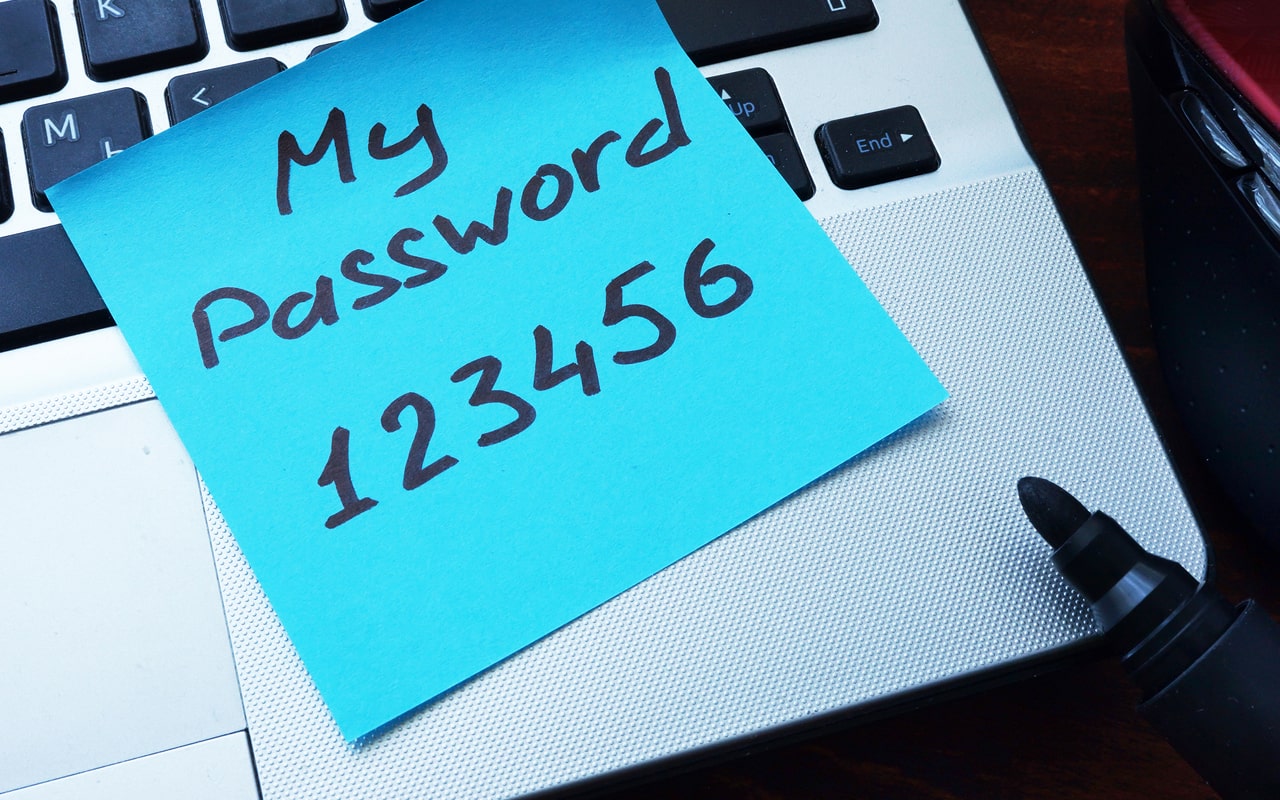
Table of Contents
The humble password is an integral part of business life. But the seemingly innocuous password is also a burden in business: Users get password fatigue, IT departments end up in endless password support situations, and cybercriminals hack them mercilessly. The fact is that, in many cases, passwords are out of control. The latest statistics show that an individual has an average of 255 personal and work passwords.
Some Password Facts

Passwords are used everywhere in the workplace. The concept of the password is simple: as long as you remember your username and password, entering them into a form field and clicking submit provides access to an app, service, or device. But passwords can also create insecurities.
Too many passwords and password fatigue have impacted security, and the result is that password hygiene suffers. Evidence for the weakness of passwords comes from the top five most commonly used at work. These are according to NordPass:
| Password | Time to crack in seconds |
|---|---|
| 123456 | 1 |
| 123456789 | 1 |
| 12345678 | 1 |
| secret | 1 |
| qwerty123 | 1 |
Other security statistics show the connection between passwords and cybersecurity risks:
- 80% of data breaches link to passwords (Source)
- 78% of employees reuse the same login credentials to access multiple work-related applications (Source)
- 71% year-on-year increase in cyberattacks using stolen or compromised credentials. (Source)
Cost of Password Breaches to an SMB
The insecurities of passwords lead to many types of corporate harms. Passwords represent access to resources, and it is those resources that are at risk. From data theft to account compromise to business ID theft to financial losses and ransomware infection, a compromised password opens up doors for cybercriminals. The cost of compromised passwords shows the importance of robust password security:
- Data theft costs an average of $4.88 million.
- Ransomware recovery costs an average of $2.73 million.
- Business identity theft - The Identity Theft Resource Center (ITRC) has found that SMBs reporting losses due to account compromise and ID theft of over $500,000 have more than doubled in a year.
Small Business Financial Losses (Due to an Identity Crime)
Small businesses reporting financial loss of over $500,000 more than doubled since 2023
Source: ITRC
- Noncompliance fines – password security is an essential part of data protection regulations worldwide. The GDPR, for example, sets fines at €20 million or 4% of annual revenue. Meta was fined €91m ($102m) under GDPR for mishandling user passwords.
- Loss of custom: 80% of customers would not continue to shop on a site where an account takeover had occurred.
What Happens if Passwords Are Breached?
Passwords may seem simple, but the consequences of password theft or exposure are far from that. Password theft or exposure is one way that cyberattacks are initiated. The following are typical outcomes of password exploitation.
Data Theft
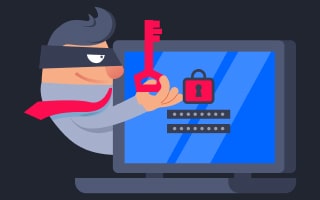
Passwords open doors, and often that door is to the network. Even if the password stolen is from an employee who does not have privileged access rights, an attacker can still use the login to begin a process to escalate privileges until they have enough rights to access sensitive data. A data breach at Equifax, which led to the breach of sensitive data of 147 million customers, was caused by poor security practices, including attackers being able to find usernames and passwords stored in plain text. The attackers then used these credentials to access sensitive network areas.
Ransomware Attacks
Ransomware infection predominantly relies on either weakness in systems or phishing of login credentials to initiate attacks. Medusa is a form of ransomware-as-a-service (RaaS) that relies on phishing to steal login credentials and gain unauthorized access to networks. Medusa has infected over 300 critical infrastructure organizations in the USA.
Account Takeover (ATO)
Stolen usernames and passwords provide the basis for an account takeover. Cybercriminals use the access to enter and gain control of the user's account. Account takeovers affect both a business and its customers. Customer accounts are used to steal sensitive data and money and make fraudulent purchases. For example, loyalty schemes are a favorite target of ATO fraudsters. The attackers target hotel or airline loyalty accounts and use the account points to make bookings or to claim other rewards. ATO is a popular method to carry out a cyberattack, with recent research finding a 354% increase in account takeover attacks.
Account Compromise
Accounts that are compromised can be used for many nefarious actions. One of the most concerning for an SMB is CEO fraud. A mix of social engineering, spear phishing emails, and SMS texts (smishing) is used to manipulate someone at C-level in an organization into revealing their email or other communication account password.
Generative AI is used to research targets and craft believable phishing scams. Once an attacker has access to the account, they can perform various cyberattacks, including Business Email Compromise (BEC), whereby the attackers use the email account to impersonate the CEO and request relevant employees to make large payments to fictitious customers or partners, the money going to the attacker. This results in large financial losses.
Business ID Theft
It is not just individuals who suffer identity theft, businesses can also become victims of "business ID theft". A business identity comprises various identifying attributes, including a tax identification number, business license, and credit information. If an attacker gains access to an account of an employee who has access to this information, the attacker can steal these data and create a replica business identity. They then use the business identity to obtain goods, services, or open lines of credit. The attackers may also sell the business identity on the Dark Web for others to exploit.
How Are Passwords at Risk?
A mix of accident or malicious intent exposes passwords. The following are common ways known to leave passwords vulnerable:
Phishing
Phishing is a favorite attack vector, using email, SMS texts, and other communication channels to trick employees into performing acts that benefit the attacker. One of these acts is manipulating the employee into submitting a username and password to a spoof website, where they are sent to the hacker. SAG-AFTRA Health Plan, a health benefits provider, was subject to a phishing attack that led to unauthorized access to an employee's email account. Over 35,000 patients had their names and Social Security numbers exposed.
Accidental Exposure
Passwords can easily be compromised by accident. Employees may leave their password on a Post IT note on a desk or share a password with a co-worker using a communication channel like Slack. Even big companies have this problem. Microsoft employees exposed sensitive login credentials by placing them unprotected on the company GitHub portal. Accidental exposure of passwords can result in data breaches and account compromise.
Poor Password Hygiene
Because passwords are so ubiquitous, employees may not realize the intrinsic vulnerabilities of some of their password-related actions. Poor password hygiene covers various bad practices that place passwords at risk of exposure. Password reuse and password sharing are examples of poor practices.
Reusing a password across multiple apps brings the dangers of multiple compromised accounts if a password is exposed. Sharing passwords between employees is common, with almost half of employees admitting to doing so at work. Shared passwords open security gaps that can lead to account compromise and data exposure.
Brute Force Attacks
Having a weak password puts an account at high risk; brute force attacks are automated hacks that guess a password to gain unauthorized access to an account or device. As noted from the top most common passwords, hacking into an account secured using one of these passwords takes a second. Dunkin' Donuts was the victim of a brute force attack. The affected 19,715 users lost large sums of money via the company's mobile app and website.
Dictionary Attacks
A dictionary attack is a form of brute force that systematically tries every word in a pre-arranged list until it hits the password jackpot. Again, these attacks are automated and can carry out thousands of login attempts per minute.
Credential Stuffing
Credential stuffing occurs when previously stolen login credentials are used to attempt logon across multiple apps. The process is automated, as cybercriminals use usernames and passwords to access accounts. A recent credential stuffing attack impacted 23andMe, resulting in hackers accessing 6.9 million customer accounts.
According to the Data Breach Investigations Report (DBIR), credential stuffing is the most prevalent threat to web apps, such as Microsoft 365.
Distribution of Web Application Attack Types
Source: Data Breach Investigations Report (DBIR)
Password Stealer Malware
Malware designed to steal login credentials is a popular way to gather passwords for future use in cyberattacks, like credential stuffing. Recently, Infostealer Malware stole 3.9 billion passwords after an attack infected 4.3 million machines. Data storage company Snowflake was one victim. Over 165 of Snowflake's customers were subsequently compromised, losing sensitive data in the attack.
GenAI bots
A report, "Dark Side of GenAI" used a prompt injection contest to see if different prompts could trick a chatbot into revealing a password. Worryingly, 88% of the content participants could trick the chatbot into revealing the password.
Going Passwordless
Authentication is moving more towards a passwordless future. Compromised databases that leak login credentials and other sensitive data are drivers of this move. For example, the Real Estate Wealth Network database left the data of millions of individuals, including celebrities and politicians, online and unprotected. Passwordless authentication uses alternatives to passwords like biometrics, mobile authentication codes, key fobs (FIDO), or "magic links", where a user is sent an email containing a link to log in.
Passwordless Authentication can be used with multi-factor authentication (MFA) and Single Sign-On (SSO) solutions to improve security and the user experience. Passwordless does not have the weaknesses of passwords; there is nothing to remember, and it is not easy to share. However, passwordless measures may still be hacked without other security best practices augmenting them.
How To Stop Your Passwords and Company From Being Hacked
According to the ITRC, Small businesses are investing in new security tools, training, and processes to prevent cyberattacks. As a result, the number of cyberattacks targeting smaller companies has dropped.
Fortune Favors the Prepared
Preventative Steps Taken, 2023 vs 2024
Source: ITRC
However, there is no one-size-fits-all approach to securing an organization. Instead, SMBs must work with several measures, layering them to de-risk a business and prevent password-based cyberattacks. The following measures are recommended:
Use strong passwords
The CISA suggests the use of a strong password and advises:
- Make them long: At least 16 characters.
- Make them random: Use a random string of mixed-case letters, numbers, and symbols or a memorable phrase of unrelated words.
- Make them unique: Use a different strong password for each account.
Password Managers
The CISA also recommends using a password manager, an application that suggests and stores passwords. By using a password manager, an employee does not need to remember passwords and the application suggests strong passwords when setting up an account. However, password managers must be used in combination with other security measures, as some have been found to have security flaws.
Multi-Factor Authentication (MFA)
Adding another layer of security to the login process is a good way to prevent successful phishing attacks and stop password sharing. However, MFA alone does not completely protect an organization from a cyberattack, as MFA can sometimes be bypassed to gain access to user accounts.
Security Awareness Training and Password Hygiene
Employees must be trained in password hygiene. Using weak or predictable passwords, sharing or reusing passwords, and not changing default passwords lead to security gaps. Security awareness training programs educate employees about how to ensure that the passwords they use are secure.
Screening Against Dynamic Blacklists
NIST (National Institute of Standards and Technology) recommends continuously screening new passwords against blocklists of known compromised passwords. This helps to prevent employees from using passwords that have been exposed to breaches.
Check to see if any of your passwords have been breached: HaveIBeenPwned
Single Sign-On (SSO)
Single-Sign-On is an identity measure that allows an employee to sign in once to access multiple apps. SSO is usually used in combination with other security measures like MFA or risk-based authentication: SSO will log an employee out or request additional security, like MFA if something triggers a rule, like attempting access from a suspicious location.
De-provision unused accounts
Unused accounts, for example, if an employee leaves, can open security gaps. Around 89% of employees can access past workplace accounts and emails after they leave a firm. When an employee leaves the organization, it is essential to immediately revoke their access rights across the network and into the cloud.
Secure password storage and transit (encryption/hashing)
A final but essential layer of security to protect passwords is to ensure that they are encrypted and hashed when stored and during transit. Organizations that manage passwords for employees and customers must use robust and secure hashing algorithms like SHA-2, bcrypt, and PBKDF2. Passwords must also be uniquely salted to strengthen password encryption by adding a random string of characters to the password before hashing.