Protecting Business Accounts: How MFA and 2FA Safeguard Employees and Partners
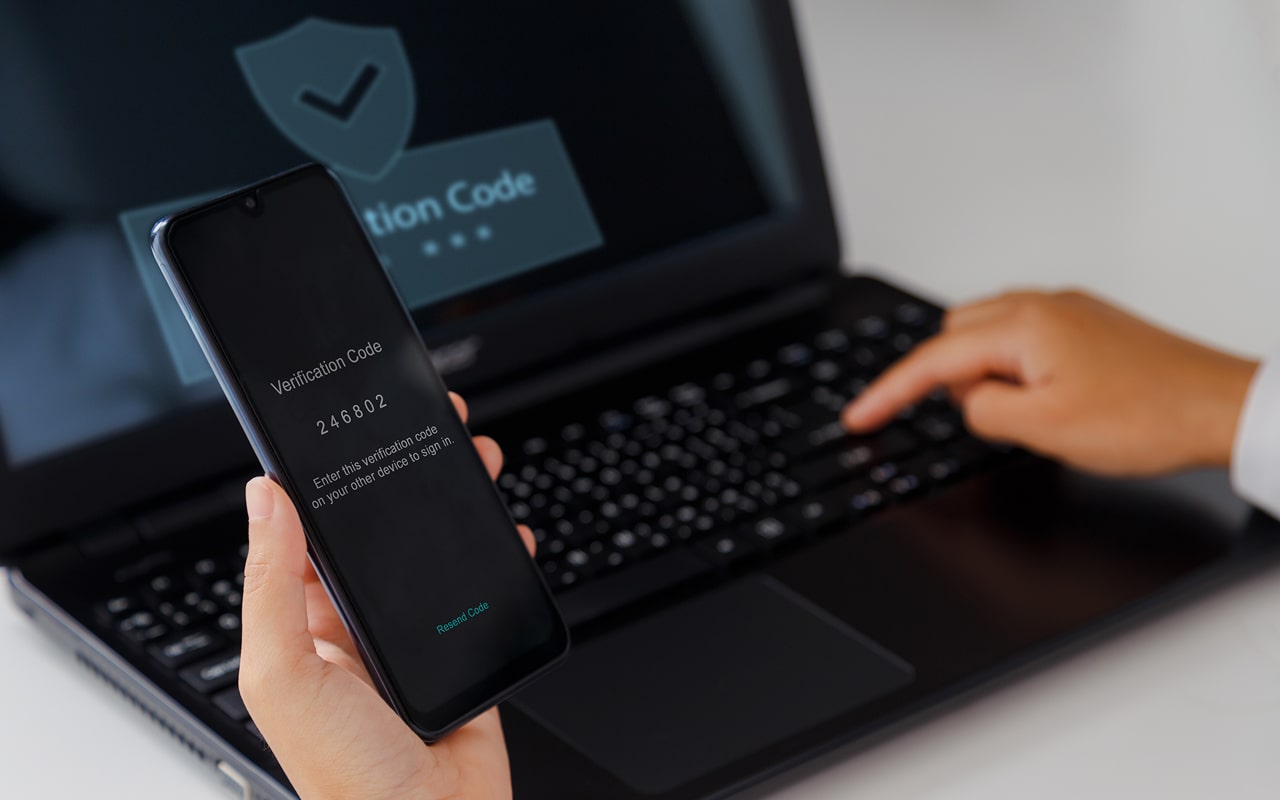
Table of Contents
Identity credentials, like usernames and passwords, are a first port of call for cybercriminals wishing to access company resources. Cyberattacks that use stolen credentials are behind 80% of data breaches. A method often used to reduce the risk of an attacker using stolen credentials is to apply an extra layer of security during login. This is known as two-factor authentication (2FA) and multi-factor authentication (MFA).
What is Two-Factor Authentication (2FA)?
Passwords are at risk from various attacks, including phishing and brute force. Adding an extra method when logging in can help prevent the chances of unauthorized login. Two-factor authentication (2FA) is used to supply another factor when logging in. The second factor can be supplied from one of three categories:
- Something you know: For example, a personal identification number (PIN) or by answering secret questions.
- Something you have: Use something that a user possesses, like a mobile app.
- Something you are: Providing a biometric, like a face or fingerprint.
How Does 2FA Work?
When 2FA is implemented as a security layer when accessing an IT resource, the user typically follows these steps:
- The user goes to sign in to an application.
- They are prompted to enter the first factor, usually a username and password combo.
- If this first factor is successful, they will then be prompted to enter a second factor.
- If the second factor is successful, they will be allowed access to the application.
Types of 2FA/MFA
Various options are available to add as a second factor for IT resource sign-in. Some of the more common methods are as follows:
OTP (One-Time Password)
One-time passwords, or OTPs, are generated when a request is made for a second factor to sign into an app. The OTP is now usually displayed on a mobile app.
Authenticator Apps
An authenticator app on a mobile device, like Google Authenticator, Authy, or Duo, handles the generation and display of an OTP. The authenticator app is connected to the authentication service that handles application access. Authenticator apps use a time-limited system called a Time-Based OTP or TOTP. The codes generated as a TOTP are usually limited to 30 seconds, although this is a configuration setting, so it can be adjusted as required.
Email Token
Some OTPs are generated and then sent to the user's email address associated with the account. The user then uses the code sent via email as their second factor to access an app.
SMS Authentication
SMS text codes can be used as a second factor for app access. The access control service will be connected to an SMS generation service that handles the code generation, sending the code to the mobile number associated with the user account. Once received, the user can use the SMS code to access the app.
Biometric Authentication
The second factor can be biometrics, like a face or fingerprint. A biometric is associated with a user account during registration and used as a baseline to check future biometric presentations at sign-in. Because biometric access is seen as highly secure, this method may replace a username-password combo altogether (Passwordless authentication).
Hardware Tokens
Hardware tokens are sometimes used for second-factor access. These tokens are usually plugged into a computer port when access to applications is required. They are viewed as a secure form of access, although they can be a security risk if lost.
Security Questions
Security questions can be used as a second factor. Questions such as "What is your mother's maiden name?" and "What was your first pet?" are common examples. However, this method is seen as less secure as cybercriminals can harvest many of these questions online.
Why Do Companies Need an Additional Authentication Layer?
Credential theft is a popular method cybercriminals use to initiate a security breach. Once in the hands of a cybercriminal, stolen credentials can be used to steal data, perform a ransomware infection, take over user accounts, and so on. Research shows the complex nature of login credentials and how they can open doors for cybercriminals:
- 78% of employees reuse the same login credentials to access multiple work-related applications, leaving them open to breach. If an attacker steals one set of credentials, they can access multiple applications.
- Data theft costs an average of $4.88 million.
- Ransomware recovery costs an average of $2.73 million.
Is 2FA the Same as Multi-Factor Authentication (MFA)?
Multi-factor authentication (MFA) uses two or more factors to access an IT resource. For example, an MFA request during access may require a username and password combo, PLUS an authenticator TOTP, PLUS a biometric. Because MFA is defined as "two or more factors", 2FA is often described as MFA, as it is seen as a subset of multi-factor authentication.
What Cyberattacks Do 2FA / MFA Help Prevent
2FA and MFA are used as a security measure to prevent a series of credential-focused cyberattacks. The most common types of attacks mitigated or prevented by using additional layers of sign-in security are as follows:

Phishing
Phishing is one of the most successful ways that a cybercriminal can harvest credentials. If 2FA / MFA are implemented, the phishing attempt may be able to steal a username and password combo, but it is more challenging to steal a second factor (see also the section below "Can 2FA and MFA Be Circumvented?").
Social Engineering
Attackers often target specific individuals, such as company executives or administrators. They may use a combination of phishing, vishing (phone calls), and other tactics to manipulate an individual into sharing their login credentials.
Account Takeover Attacks (ATO)
If credentials are stolen, they can be used to compromise email accounts and other forms of identity accounts. Once an account is under the control of a cybercriminal, it can be used to commit fraud.
Identity Theft
Login credentials can provide access to personal information and identity data (such as passport information) that can then be used to create synthetic identities or steal existing identities. Once an identity is in the control of a cybercriminal, it can be used to commit fraud, take out loans, and use credit cards, etc.
Cybercriminals can use stolen login credentials to escalate privileges to the admin level, allowing them access to sensitive areas of a network. Admin-level access and privileges allow an attacker to carry out data breaches and infect a network with ransomware and other malware.
How Can a Business Set Up 2FA and MFA?
A company should consider using 2FA or MFA to protect employee and customer access. Implementing 2FA or MFA usually requires an identity management system, such as Entra ID. If your company uses a managed service provider (MSP), they can help configure second-factor authentication. Configuration considerations should also include authorization, which explores the level of access and privileges to an IT resource once authenticated.
What About Risk-Based Authentication?
Risk-based or step-up authentication is often used in combination with 2FA / MFA. Risk-based authentication uses rules to determine if an access request requires additional security. For example, a rule could be applied that enforces additional authentication factors if a user logs in from an unknown IP address.
Is 2FA / MFA Part of Identity Verification?
Identity verification is used to establish a person's identity. Typically, verification occurs during registration for an identity account. For example, if an individual enters an address during registration, this is checked against an authority such as a credit reference agency. Identity documents, like a driver's license or passport, are often used to verify an identity. During registration for an identity account, the individual will be asked to associate authentication credentials, which may include a second or third factor.
Can 2FA and MFA Be Circumvented?
Second-factor and multi-factor authentication (MFA) are often used to prevent credential theft via phishing. However, in recent years, cybercriminals have used MFA bypass methods to circumvent 2FA / MFA. MFA circumvention methods include the following:
- SIM hacking is used to compromise a victim's mobile device, allowing the attacker to access authenticator or SMS text codes.
- Social engineering has been used to bypass MFA successfully. A cybercriminal pretends to be a security vendor needing to "fix a security problem". They ask the victim to supply the generated MFA code to perform the task.
- Man-in-the-middle (MitM) attacks intercept the codes as they are generated.
Although 2FA bypass attacks can occur, they are difficult to carry out. Therefore, employing 2FA or MFA is still important as it reduces the risk of a successful attack rather than removing it altogether.
Two-Factor and Multi-Factor Authentication Best Practices
To harden second or multi-factor authentication against attack, several best practices should be followed:
- Avoid using short, numerical OTPs.
- Use time-based OTP (TOTP).
- Restrict the number of unsuccessful login attempts.
- Train users on the use of MFA and potential social engineering attempts.
- If an app or data is especially sensitive, consider implementing risk-based authentication for access control.
- Use MFA with other identity security measures, like zero-trust identity measures, such as allowing extended privileges on a least-standing privileges basis (authorize certain privileges only as needed).
- Offer users, especially consumers, options in MFA methods. For example, offer email-based codes along with authenticator codes to help with usability.
FAQs
Secure authentication protocols behind 2FA and MFA
Additional layers of authentication security are based on industry-developed security protocols. Authentication protocols enable a computer system to securely transfer data between two entities. Some examples of protocols used in authentication technology are SAML (Security Assertion Markup Language) and OIDC (OpenID Connect), which is based on the OAuth 2.0 framework.
What Is Passwordless Authentication?
Passwordless authentication replaces passwords with MFA or 2FA factors. It may use the WebAuthn (Web Authentication) internet standard, which uses public-key cryptography for easy and secure authentication to web applications.
Does single-sign-on (SSO) work with 2FA / MFA?
Single-sign-on (SSO) is often used in a work context to make access to multiple apps secure but easy for the user. The user logs in once to have access to all other associated apps for a length of time. SSO can be combined with MFA to add additional security. Also, risk-based authentication rules are used to request an additional authentication factor during an SSO session.
Table of Contents
- Protecting Business Accounts: How MFA and 2FA Safeguard Employees and Partners
- What is Two-Factor Authentication (2FA)?
- How Does 2FA Work?
- Types of 2FA/MFA
- Why Do Companies Need an Additional Authentication Layer?
- Is 2FA the Same as Multi-Factor Authentication (MFA)?
- What Cyberattacks Do 2FA / MFA Help Prevent
- How Can a Business Set Up 2FA and MFA?
- What About Risk-Based Authentication?
- Is 2FA / MFA Part of Identity Verification?
- Can 2FA and MFA Be Circumvented?
- Two-Factor and Multi-Factor Authentication Best Practices
- FAQs